
 info@shyping.com
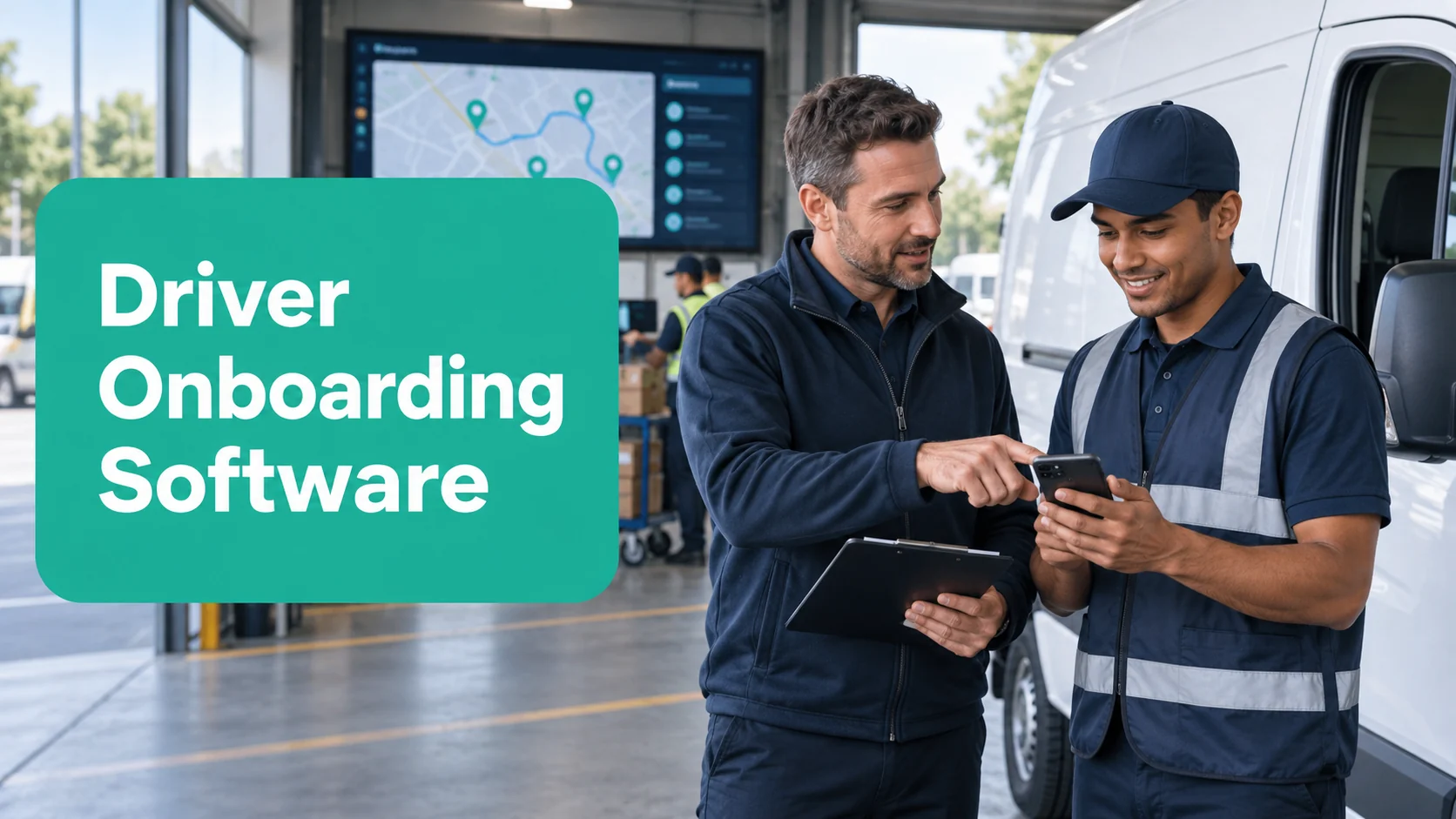
Driver onboarding software helps delivery companies prepare new, temporary, and returning drivers to complete routes consistently. In last-mile delivery, onboarding is not finished when a driver receives an account. A route-ready driver needs to understand the mobile workflow, route handoff, stop information, customer instructions, proof-of-delivery requirements, exception choices, and how to reach support when the delivery day changes.
This operational onboarding matters because a driver application sits at the point where the delivery promise becomes real. If the workflow is unclear, status data becomes unreliable, proof can be missed, dispatch receives more calls, and customers receive inconsistent information.
Shyping Driver is designed around quick onboarding, clear route guidance, efficient delivery flows, proof-of-delivery capture, and simple contact with dispatchers or customers. Connected with Shyping Backoffice, Route Planning, and Consumer applications, it helps new drivers work inside the same current delivery process as planners and support teams.
Quick answer: what is driver onboarding software?
Driver onboarding software is a digital system for teaching and guiding drivers through the operational tasks required to complete deliveries safely and consistently. It may include account setup, role-based instructions, route guidance, stop details, delivery-status workflows, proof-of-delivery prompts, exception reporting, and access to support.
For last-mile teams, effective onboarding should answer seven practical questions:
- How do I receive and start my route?
- What information must I check before each stop?
- How do I record the delivery outcome?
- What proof is required for this order?
- What do I do when the delivery cannot continue as planned?
- How do I contact dispatch or the customer?
- How do I finish the route with complete, reliable data?
Why last-mile driver onboarding is different
General employee onboarding introduces the company, policies, payroll, safety, and role expectations. Last-mile driver onboarding must also prepare someone to make time-sensitive decisions across a sequence of customer-facing stops.
The driver may need to:
- Follow a planned route while responding to real conditions
- Interpret time windows and order priorities
- Find access instructions quickly
- Confirm the right recipient
- Capture a photo, signature, ID check, note, or timestamp
- Select an accurate delivery or failed-attempt status
- Contact dispatch before a small issue affects later stops
- Communicate professionally with customers
This is why a long manual or one classroom session is rarely enough. Drivers need a simple mobile workflow that reinforces the right action at the moment it is needed.
What a driver onboarding system should cover
| Onboarding area | What the driver should be able to do |
|---|---|
| Access and setup | Sign in, confirm identity, permissions, language, and device readiness |
| Route handoff | Receive the correct route and understand start, sequence, and priorities |
| Stop preparation | Review address, time window, items, access, and customer instructions |
| Navigation | Move from stop to stop using practical route guidance |
| Delivery completion | Record the correct outcome and required delivery details |
| Proof of delivery | Capture the correct photo, signature, ID check, note, or other evidence |
| Exceptions | Report the issue accurately and follow the next-action workflow |
| Support | Contact dispatch or the customer through the agreed process |
| Route close | Complete remaining tasks and leave a reliable operational record |
The best onboarding removes uncertainty without forcing the driver to memorize every scenario. The application should present the relevant information and action at the correct point in the workflow.
A seven-step driver onboarding framework
1. Define what “route-ready” means
Create a practical standard rather than using account activation as the finish line. A route-ready driver should be able to complete a representative route with accurate statuses, required proof, correct exception handling, and appropriate support escalation.
Separate essential day-one skills from advanced knowledge. Day-one readiness normally includes:
- Starting and reviewing a route
- Understanding stop details and time windows
- Completing a standard delivery
- Recording a failed attempt correctly
- Capturing required proof
- Finding help quickly
More complex scenarios can follow after the core workflow is stable.
2. Configure the application around the delivery model
Onboarding is easier when the app reflects the real operation. Configure delivery statuses, proof rules, contact options, order-specific instructions, and exception choices before training begins.
Avoid showing drivers fields or choices that do not apply to their work. Every unnecessary click increases cognitive load and makes it harder to see the action that matters.
The Shyping Driver Application is designed to eliminate unnecessary clicks, guide drivers through their routes, show delivery requirements, and provide direct access to assistance when an unexpected issue occurs.
3. Teach the workflow through realistic stops
Drivers learn the system best by completing representative scenarios. Build a short training route that includes:
- A standard successful delivery
- A stop with a customer instruction
- A delivery requiring photo or signature proof
- An access problem
- A customer-unavailable scenario
- A stop that requires contacting dispatch
Use the same app, statuses, and proof rules the driver will use in production. A realistic simulation reveals confusing wording, missing data, and slow handoffs before they affect customers.
4. Make proof-of-delivery rules explicit
Proof of delivery should not depend on individual interpretation. Show drivers which orders require a photo, signature, ID check, recipient name, note, or another form of evidence.
Explain what good proof looks like, when proof must not expose sensitive information, and what to do if the required evidence cannot be captured. The goal is a consistent delivery record that customers, retailers, support teams, and managers can trust.
Shyping connects driver proof capture with customer and backoffice visibility. For a deeper look at this workflow, see proof of delivery and customer tracking.
5. Train exception decisions, not only exception buttons
A driver needs to know both how to report an issue and what the status means operationally. An incorrect failed-delivery reason can send dispatch or customer support in the wrong direction.
Teach a short decision model:
- What happened?
- Can the delivery still be completed safely and within the promise?
- Is customer information missing?
- Does dispatch need to change the route or assignment?
- What evidence or note should be recorded?
- What should the customer be told?
Keep the categories clear and mutually understandable. Shyping's guide to delivery exception management software explains how driver context connects with ownership, recovery, and customer communication.
6. Connect new drivers to live support
New drivers will face situations that training did not reproduce. They need a clear support path that does not require searching through personal contacts or leaving the delivery workflow.
Define:
- When to contact dispatch
- When direct customer contact is appropriate
- Which information to include
- How urgent issues are prioritized
- Who owns the next action after the request
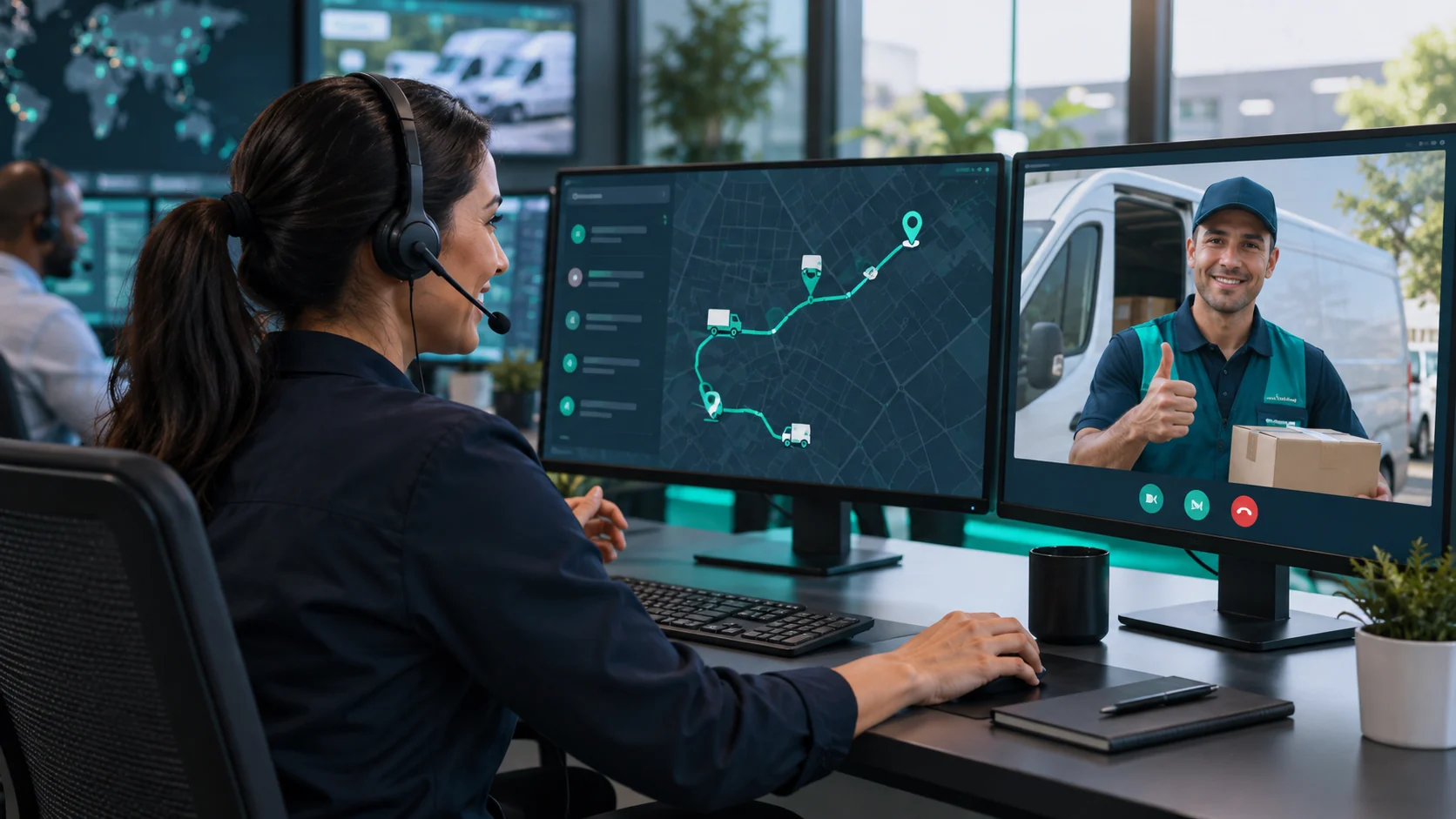
Shyping Driver provides a direct way to contact dispatchers or customers, while the Backoffice Application gives operations teams real-time route and driver visibility. This shared context helps support teams understand the issue without asking the driver to repeat the entire route history.
7. Verify readiness and improve from live data
End onboarding with a practical check, then continue coaching from actual route outcomes. Review whether the driver can complete the expected workflow accurately, not only whether the training was attended.
Use early route data and feedback to identify:
- Status choices that are frequently corrected
- Missing or incomplete proof
- Stops where drivers repeatedly request help
- Route instructions that are difficult to understand
- Average stop durations that differ from planning assumptions
- Customer feedback related to the delivery interaction
The aim is supportive improvement. Driver data should help the team fix confusing workflows, poor delivery information, and training gaps—not treat every route deviation as an individual failure.
How driver onboarding supports better route planning
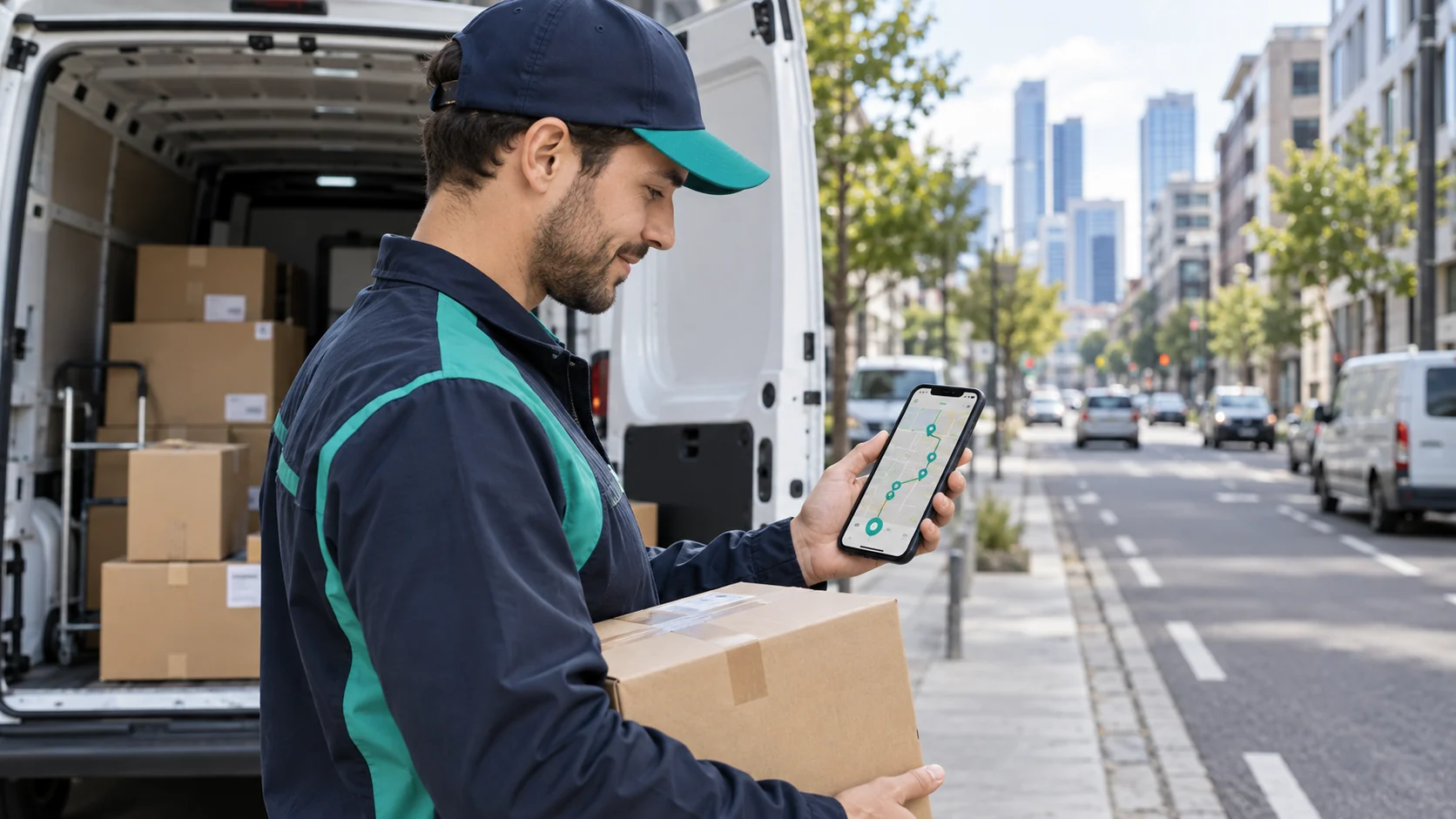
Driver onboarding and route planning are connected. Planners depend on reliable status updates, stop completion, service duration, and exception data. Drivers depend on routes that respect real workloads, delivery windows, and instructions.
When new drivers record outcomes consistently, the operations team gets better information for future routes. When route plans are realistic, new drivers can focus on learning the workflow instead of compensating for an impossible schedule.
Shyping's Route Planning supports planning around vehicle types, delivery scenarios, time windows, traffic conditions, and historical data. Driver execution then supplies the operational outcomes needed for review and improvement.
Driver onboarding metrics that matter
Avoid measuring success only by time spent in training. Combine adoption, workflow quality, support needs, and delivery outcomes.
Useful measures include:
- Percentage of onboarding scenarios completed correctly
- First-route proof-of-delivery completion
- Delivery statuses corrected by dispatch
- Support contacts per new driver or route
- Exceptions with complete notes and evidence
- Time to complete common app tasks
- Route completion and time-window adherence
- Repeated errors by workflow step
- Driver feedback on app clarity
- Customer feedback during the driver's initial routes
Compare new-driver results with the quality of the assigned route and order data. A driver cannot compensate for missing access instructions or an unrealistic schedule indefinitely.
Common driver onboarding mistakes
Training every driver with the same generic presentation
Different delivery models may require different proof, customer interaction, equipment, and exception rules. Use role- and scenario-relevant training.
Explaining features without practicing the route flow
Drivers need to understand how the tasks connect from route start to route close. Train the complete workflow through realistic stops.
Adding too many statuses and exception categories
Complexity reduces consistency. Keep the field workflow focused on the decisions drivers actually need to make.
Treating support calls as an onboarding failure
Appropriate support is part of a controlled operation. Measure whether the driver asked early and provided useful context.
Ending onboarding after the first shift
Use early route outcomes to refine coaching, app configuration, order data, and planning rules.
Driver onboarding checklist
- Route-ready standard defined
- Driver accounts, devices, permissions, and language checked
- Delivery statuses and proof rules configured
- Representative training route prepared
- Customer and access instructions visible in the app
- Successful and failed-delivery scenarios practiced
- Exception choices and next actions understood
- Dispatch and customer contact workflow tested
- Readiness check completed
- Early-route review and feedback scheduled
Frequently asked questions
What is driver onboarding software?
Driver onboarding software helps companies prepare drivers to use the operational tools and workflows required for their role. In last-mile delivery, it typically covers route guidance, stop details, delivery statuses, proof of delivery, exception reporting, and support access.
What should delivery driver onboarding include?
It should include application setup, route handoff, navigation, customer instructions, successful and failed-delivery workflows, proof requirements, exception choices, support procedures, and a practical readiness check.
Can a driver app reduce onboarding complexity?
Yes. A clear driver app can guide the user through each route and stop, present order-specific requirements, reduce unnecessary choices, and make support easier to reach. The configuration and training still need to reflect the real delivery model.
How should temporary drivers be onboarded?
Focus first on the essential route workflow, common delivery scenarios, proof requirements, exception decisions, and support process. Use a short realistic training route before assigning production work.
How does Shyping support driver onboarding?
Shyping Driver is designed for quick onboarding, route guidance, efficient delivery flows, proof-of-delivery capture, delivery-requirement visibility, and direct support access. Shyping Backoffice gives dispatchers real-time visibility to support drivers during execution.
Next step
Review the first hour of a new driver's route as a connected workflow. Note every moment that requires a manual explanation, outside message, duplicate entry, or uncertain status choice. Those moments reveal where application configuration, delivery data, or onboarding needs to become clearer.
Explore the Shyping Driver Application or Shyping Professional Services to build a faster, more consistent driver onboarding process.