
 info@shyping.com
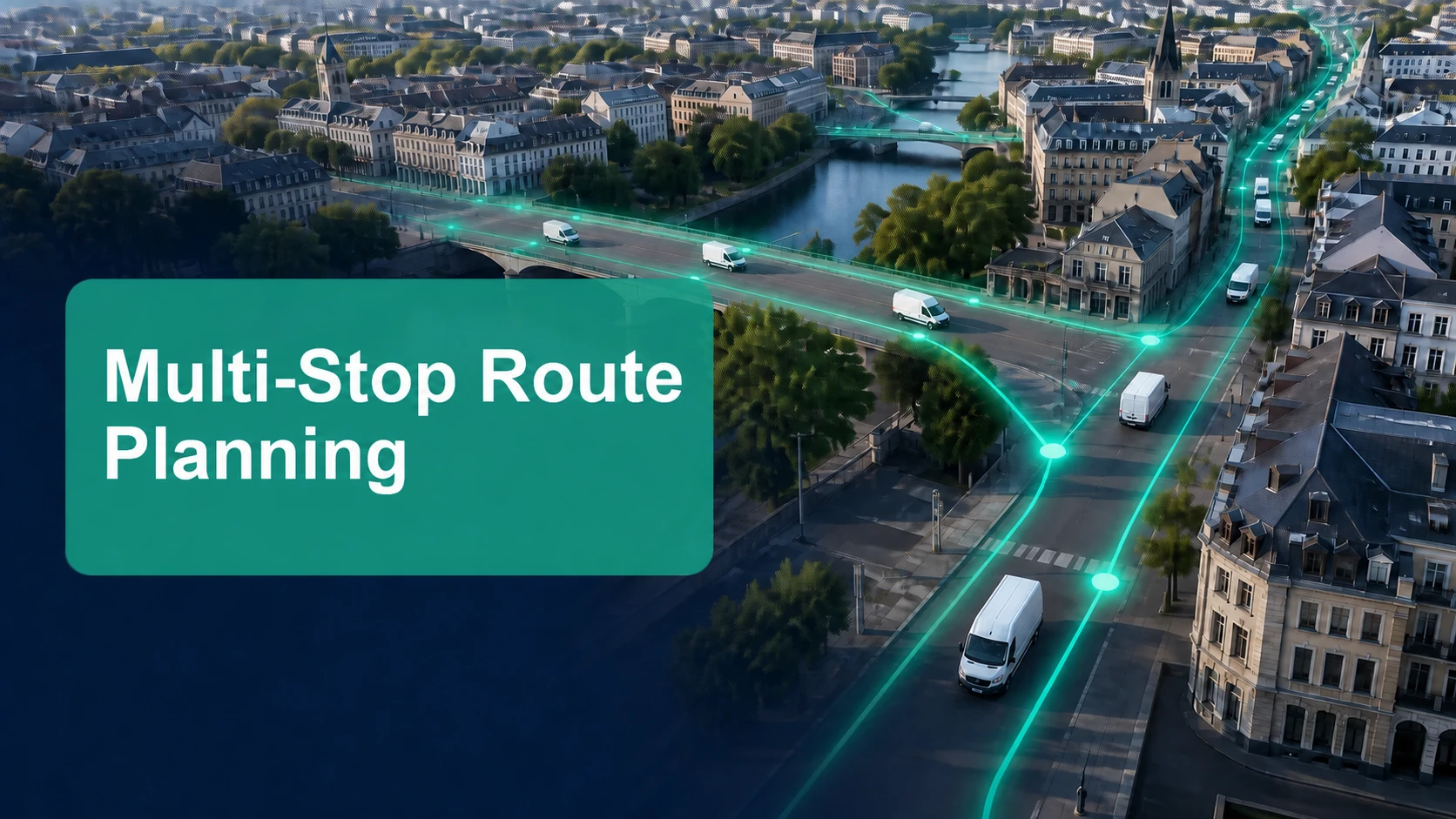
Multi-stop route planning software helps delivery teams turn a large list of stops into workable routes for the people, vehicles, service rules, and customer promises of a real delivery day. It is more than drawing the shortest line between addresses. A useful plan accounts for time windows, vehicle capacity, driver shifts, delivery duration, delivery areas, customer instructions, and the fact that conditions can change after dispatch.
For a last-mile business, the best route is not simply the one with the fewest kilometres. It is the route that can be completed reliably, gives drivers clear work, protects the delivery promise, and leaves the operations team able to respond when the day changes.
Shyping's Route Planning module is built for this operational reality, connecting route optimization with a Backoffice Application for live management and a Driver Application for delivery execution.
Quick answer: what is multi-stop route planning software?
Multi-stop route planning software is a digital system that groups and sequences multiple delivery stops into routes based on operational constraints. It helps dispatchers decide which vehicle or driver should serve each stop, in what order, and within which time commitment.
The software should help a delivery team balance these priorities:
- Customer time windows and service expectations
- Vehicle capacity and vehicle type
- Driver availability, shift rules, and practical route workload
- Stop duration and special delivery instructions
- Travel time, traffic conditions, and delivery-area logic
- Operational flexibility when a route changes during the day
Why multi-stop planning is harder than finding the shortest route
Navigation tools are useful for getting from one location to another. Last-mile planning is more complex because dispatchers must coordinate dozens or hundreds of stops under constraints that interact with one another.
For example, a route that looks efficient on a map may fail in operation if it ignores a customer’s delivery window, a vehicle’s capacity, a driver’s shift end, a location’s service time, or a delivery instruction that requires a particular vehicle. The result is often manual rework, late deliveries, unnecessary calls, or a dispatcher spending the day repairing a plan that was unrealistic from the start.
Multi-stop route planning software makes these conditions visible before dispatch. That enables a team to design a route around delivery reality rather than relying on experience, spreadsheets, or a static sequence.
The inputs that make a route plan reliable
Route quality depends on the quality of the operating data. Before expecting better outcomes, teams should make sure the planning system has the information that materially affects the delivery day.
| Input | Why it matters |
|---|---|
| Accurate delivery address | Establishes the destination and supports practical route sequencing. |
| Customer time window | Prevents a seemingly efficient route from arriving at the wrong time. |
| Service duration | Allows the schedule to include unloading, signature, access, or other stop work. |
| Delivery instructions | Captures access codes, floor limits, contact preferences, or special handling needs. |
| Item volume or capacity need | Helps allocate stops to suitable vehicles. |
| Vehicle type and availability | Ensures the route respects fleet constraints. |
| Driver shift and location | Keeps the assignment realistic for the team executing it. |
| Delivery priority | Helps teams distinguish fixed commitments from flexible stops. |
Data does not have to be perfect before a team begins. But the operationally meaningful fields need clear ownership and a process for improving them. Repeated route exceptions are often a useful signal that one of these inputs is missing, outdated, or treated as optional.

Six steps to better multi-stop delivery routes
1. Start with the delivery promise
Define what the customer has actually been promised: a specific time window, same-day completion, a business-hours delivery, a preferred delivery day, or a flexible stop. This is the customer outcome the route must support.
Planning should not use every order as if it has the same importance. A route is more dependable when it recognises the difference between fixed windows, high-priority deliveries, and stops that can move if conditions change.
2. Group stops using operational logic
Proximity matters, but it is only one variable. Grouping should also consider delivery area, time windows, vehicle suitability, service duration, and the driver’s starting point. The goal is to create route clusters that make sense before calculating the final stop sequence.
This reduces the common problem of a route zigzagging across a city because geographic closeness was evaluated without the full service context.
3. Apply vehicle and driver constraints
Assign the work to the fleet that can actually do it. Capacity, vehicle type, driver skills, shift length, and local operating rules all affect feasibility. A plan becomes fragile when it assumes every driver and vehicle can serve every stop interchangeably.
Shyping's route-planning approach supports planning around mixed fleets, vehicle types, delivery scenarios, time windows, traffic conditions, and historical data. These variables help teams build a plan that is operationally practical, not merely mathematically neat.
4. Sequence the stops around time and travel
Once the right stops are assigned to a route, the sequence should support both travel efficiency and service commitments. A route optimizer helps evaluate travel time and changing conditions, but the result must still be readable and executable by the driver.
Look for routes that have a clear, logical flow and enough time to complete the work at each stop. A plan that requires every stop to go perfectly leaves no resilience for real-world traffic, access delays, or customer questions.
5. Validate before dispatch
Before drivers leave, check the plan for route overload, missed windows, unsuitable vehicle assignments, unassigned stops, missing instructions, and unrealistic shift timing. This is the point where a dispatcher can correct a problem with less cost and less customer impact.
Shyping's Backoffice Application provides the operational visibility needed to manage routes after planning. Together, planning and backoffice tools help teams move from “a route was created” to “a route can be delivered and supported.”
6. Manage the delivery day, not only the morning plan
Every delivery plan is a starting point. Traffic shifts, a customer becomes unavailable, a driver needs support, or a late order changes the available capacity. Teams need a controlled way to monitor progress, communicate, and make route adjustments when justified.
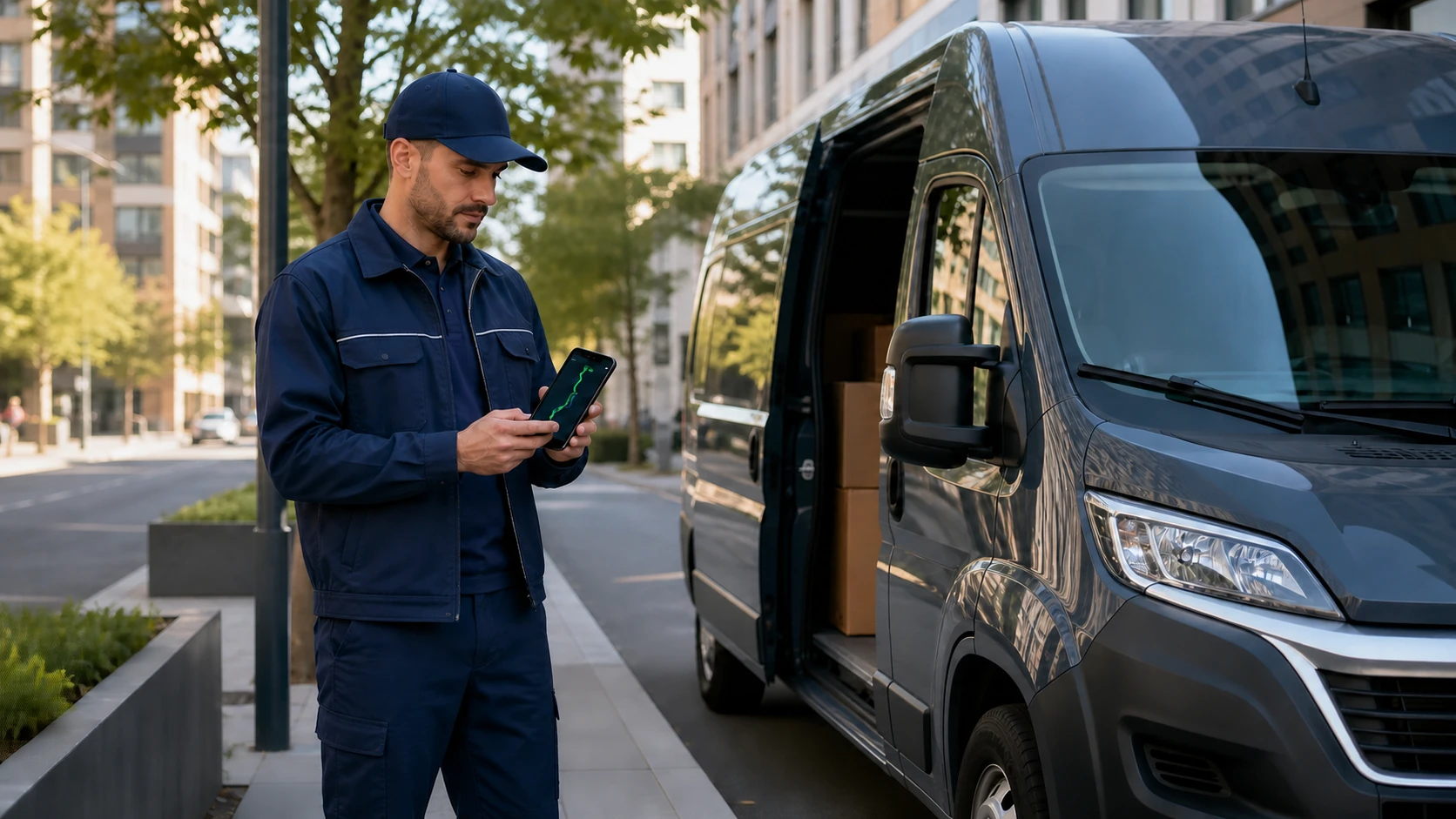
The most effective operations connect pre-dispatch planning with live execution. Shyping's Route Planning, Backoffice Application, and Driver Application create that continuity: planners build a structured route, dispatchers manage the live day, and drivers follow a focused mobile workflow.
Multi-stop route planning versus route optimization
The phrases are related, but they describe different parts of the same operation.
| Term | Main question it answers |
|---|---|
| Multi-stop route planning | Which stops, drivers, vehicles, time windows, and service rules belong together in a workable route? |
| Route optimization | What route sequence best satisfies the plan’s objectives and constraints? |
| Dispatch management | What should the team do when execution diverges from the plan? |
In practice, a delivery team needs all three. Optimization without accurate planning data may create a route that cannot be completed. A good plan without live management can still break down when conditions change.
For a deeper look at execution after dispatch, see Shyping's guide to TMS route optimization and real-time dispatch.
How to evaluate multi-stop route planning software
When comparing software, ask practical questions rather than looking only for a broad “optimization” claim.
- Can it plan around time windows, service duration, and delivery instructions?
- Can it support different vehicle types and capacities?
- Can dispatchers review and adjust the plan before release?
- Can drivers receive clear route assignments on mobile?
- Can operations teams see route progress in real time?
- Can orders be reassigned when a delivery day changes?
- Can customer communication be linked to ETA changes and delivery status?
- Can managers review outcomes and recurring route issues?
- Can the configuration reflect your delivery areas, shifts, and customer rules?
The answers show whether a platform supports an end-to-end delivery operation or only one isolated calculation.
Common multi-stop planning mistakes
Treating all stops as equal
Fixed appointments, business deliveries, fragile orders, and flexible residential deliveries do not have the same planning needs. Use service rules and priorities that reflect the customer commitment.
Planning with incomplete address and service data
Missing access information or inaccurate service duration creates a false sense of capacity. Improve the fields that repeatedly cause drivers or dispatchers to improvise.
Optimizing only for distance
Shorter distance is valuable when it supports the delivery promise. It should not be the only goal if it creates window breaches, unbalanced workloads, or routes that drivers cannot execute reliably.
Ignoring the handoff to drivers
A route is only useful when the driver can understand and complete it. Clear stop information, instructions, and status updates matter as much as the planning calculation.
Leaving exceptions outside the system
When an issue is handled by calls and memory alone, it is hard to support the customer, measure the impact, or improve the next plan. Connect live exceptions to the backoffice workflow and delivery record.
KPIs for multi-stop route planning
Measure route quality by customer and operational outcomes, not only by a single efficiency metric. Useful indicators include:
- On-time delivery or time-window adherence
- Planned versus actual route completion time
- Stops completed per route or per driver shift
- Route distance and drive time per completed delivery
- Route changes after dispatch
- Unassigned or manually reassigned orders
- Failed-delivery and redelivery rates
- Customer contacts related to ETA or missed windows
- Driver feedback on route practicality
Review these metrics alongside qualitative route feedback. A planner can discover a meaningful operational constraint from a driver’s observation before it becomes obvious in reports.
Multi-stop route planning checklist
- Delivery commitments and priorities defined
- Addresses and delivery instructions reviewed
- Time windows and service duration included
- Vehicle capacities and types up to date
- Driver shifts and availability confirmed
- Routes validated for workload and feasibility
- Driver route handoff tested on mobile
- Backoffice monitoring ready for live exceptions
- Customer update process ready for ETA changes
- Daily outcome review scheduled
Frequently asked questions
What is multi-stop route planning software?
Multi-stop route planning software helps businesses plan and sequence many delivery stops across drivers and vehicles while considering constraints such as time windows, capacity, service duration, and delivery instructions.
Is multi-stop route planning only for large fleets?
No. Any delivery operation with recurring multiple-stop routes can benefit from a structured planning process. The right level of configuration depends on the number of stops, fleet mix, service commitments, and operational complexity.
How is multi-stop route planning different from a navigation app?
Navigation apps primarily guide a driver between locations. Multi-stop route planning software helps an operation allocate and sequence many deliveries while accounting for customer promises, capacity, drivers, vehicles, service rules, and live delivery management.
What information is needed to plan a delivery route?
At a minimum, teams need reliable addresses, delivery windows or priorities, vehicle and driver availability, capacity information where relevant, expected service duration, and customer-specific delivery instructions.
How does Shyping support multi-stop route planning?
Shyping's Route Planning module supports route planning across delivery scenarios, vehicle types, time windows, traffic conditions, and operational data. It connects with the Backoffice Application for real-time management and the Driver Application for execution in the field.
Next step
To make multi-stop routes more reliable, begin with a one-week review of the reasons dispatchers change routes after release. Then see how Shyping's Route Planning and Professional Services can help turn that insight into a better delivery-planning workflow.